- Pop-Up Ads Everywhere

Pop-up ads are often targets of attacks from adware and certain types of trojans. This is
often the result of downloading content from suspicious websites. Pop-up viruses frequently
deceive people under disguise of legitimate security software, such as antivirus programs.
They typically present warnings about non-existent threats, aiming to incite panic and
prompt action from you. Their goal is to make you click on the pop-up and pay them to
eliminate the supposed "threat." However, clicking on such pop-ups can lead to severe
consequences. Mostly, clicking on a pop-up virus leads to the download of malware. This
could be ransomware, spyware, or a virus. This malware is often designed to steal your
personal data and might even hold your sensitive information for ransom. At times, the
pop-up might redirect you to a counterfeit antivirus subscription renewal page, asking you
to make a payment to address these nonexistent issues.
- Unexpected Browser Redirects
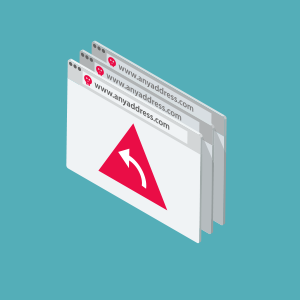
One significant sign of a malware attack involves experiencing unexpected browser redirects.
When your web browser constantly redirects you to websites you didn't intend to visit, it
could be an indication of malware activity, particularly browser hijacking. Malicious
software, such as adware or browser hijackers, can change your browser settings without your
permission, leading to these unwanted redirects. These redirects might take you to
unfamiliar or potentially harmful websites that could expose your device to further threats
or compromise your online privacy. Therefore, if you notice persistent and unexplained
browser redirections, it's important to thoroughly scan your device for malware using
reputable security software and take steps to remove any malicious programmes that might be
causing this behaviour.
- Sluggish Performance
Experiencing sluggish performance on your computer must be noted, as it is an indicator of a
potential malware infection. Malware, such as viruses, worms, and spyware, can consume
system resources and affect overall performance. If your device becomes slow and takes a
longer time to load or has delays when opening files or programmes, it could be a sign of
the presence of malware. These forms of malware may run in the background and use processing
power and memory, which can lead to decreased computer performance. It's important to
promptly investigate and address sluggish performance issues, as they might be indicative of
a malware attack. Regular system scans with up-to-date security software and practicing safe
computing habits can help prevent and mitigate the impact of such malware infections.
- Battery Drain or Overheating
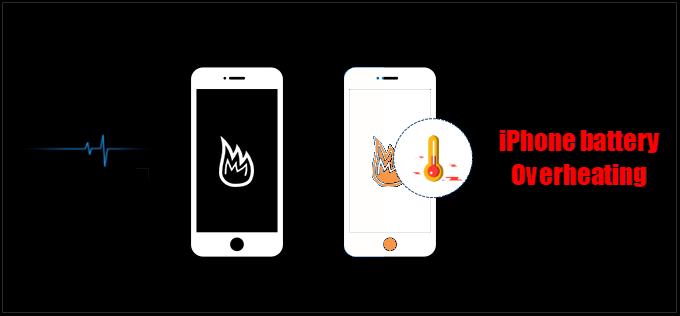
If your device’s battery drains unusually fast or is experiencing overheating as an issue
that can sometimes indicate a deeper problem,such as malware. Malicious software, including
adware and certain types of viruses, may run in the background, consume additional power,
and cause your device to heat up more than usual. This behaviour can lead to decreased
battery life and even potential hardware damage due to the overheating. If you find your
device’s battery life depleting rapidly or the device becoming excessively hot, it’s wise to
consider the possibility of malware interference. By staying alert, using reputable security
software, and avoiding suspicious downloads or websites, you can help prevent and address
these issues, preserving your device’s performance and prolonging its lifespan.
- Corrupted Files
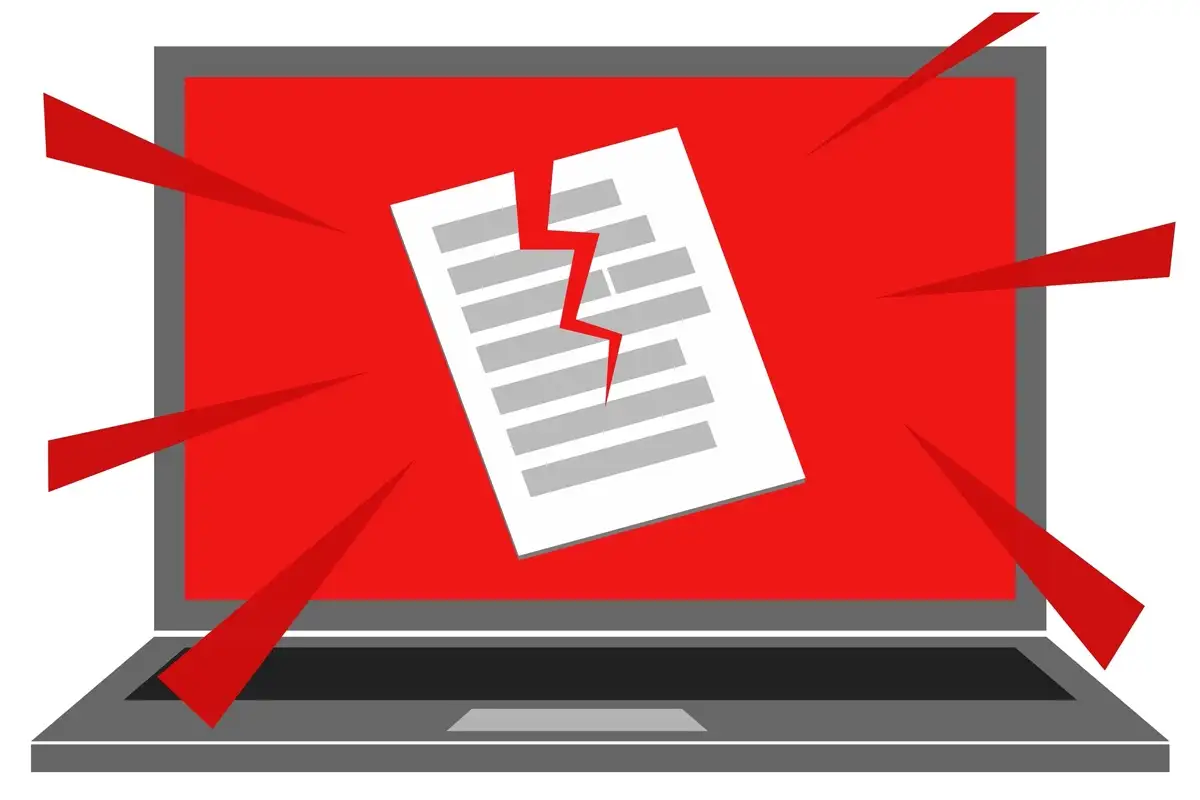
Malicious software, such as viruses or worms, can change or destroy files on your device.
When you try to open corrupted files, it might display errors or you may not be able to
access the file. In more advanced cases, ransomware might encrypt your files, rendering them
unreadable until a ransom is paid. If you find out that many files are corrupted without any
reasonable explanation, the possibility of malware infection could be considered. Having a
habit of regular data backups, using reliable security software, and practicing safe online
habits can help you protect your files and mitigate the impact of potential malware attacks.
- Frequent Crashes or System Errors
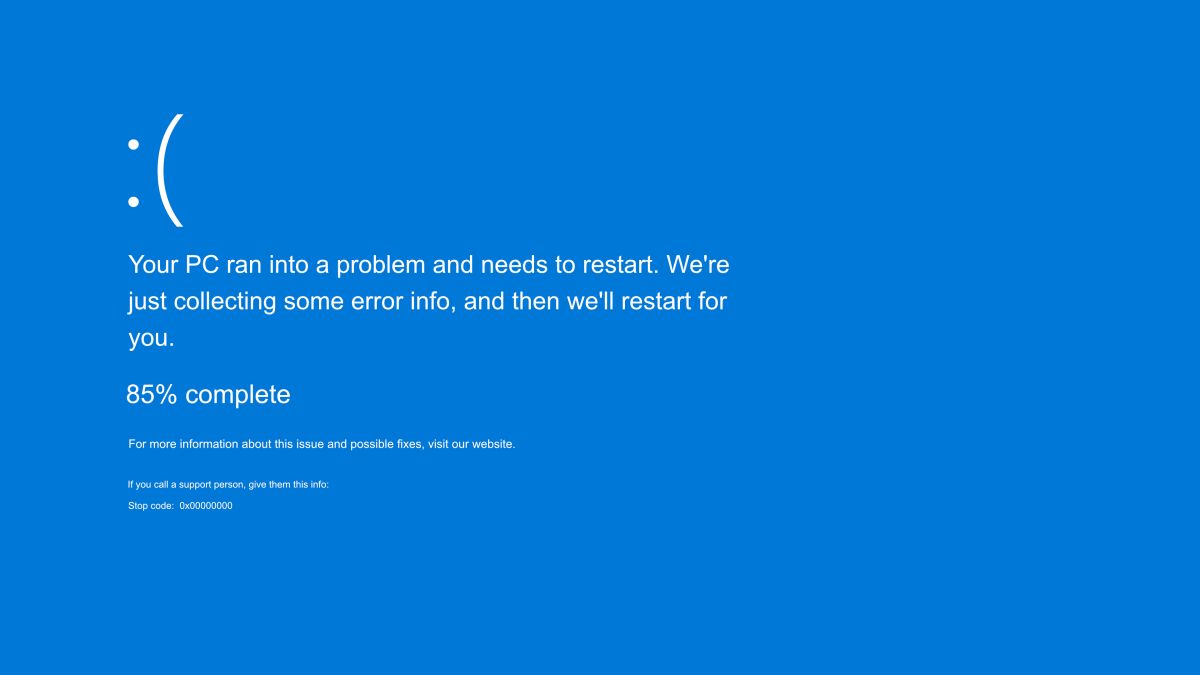
Experiencing frequent crashes or encountering recurring system errors can be indicative of a
malware presence on your device. Malicious software, such as viruses, Trojans, or even
certain worms, can disrupt normal system operations, leading to crashes or errors. These
disruptions might cause programmes to close unexpectedly or prompt error messages that you
haven't encountered before. Malware can compromise system stability and interfere with
critical system files, resulting in these disruptions. If you find yourself experiencing an
unusual increase in crashes or errors, it's prudent to consider the possibility of malware.
Employing reputable security software, keeping your operating system updated, and practicing
safe computing practices can help reduce these issues and safeguard your device's
functionality.
- Information Leakage

The leakage of personal information can be an iconic sign of a malware attack, from malware
such as spyware or certain types of Trojans. These malware programmes will run in the
background to collect data and transmit your personal or confidential data to the creators.
Including account login details, financial information, or personal documents. If you start
to notice that your account log-in activities are abnormal and it is not your device,
receive spam and scam emails, or find that your private information has been leaked.
It's important to investigate the possibility of malware. Creating and using strong, unique
passwords, employing reputable security software, and regularly monitoring your accounts for
suspicious activities can help reduce the risk of information leaks caused by malware.