Actions that should be taken before falling on a malware attack
Malware attacks can occur at any time and in any place, resulting in significant losses. It's essential to take precautions to prevent malware attacks. What steps should we take before encountering a malware attack? And what should we do if our computer is already under a malware attack?
- Backup Your Computer's Data
- Malware attacks, especially ransomware, can encrypt your files or render them inaccessible.With backups in place, you don't need to pay the ransom, reducing financial risk.
- Keep the Software Updated
- Operating system, software applications, and security tools updates often contain patches to fix vulnerabilities and system bugs that hackers could exploit. By updating, you safeguard your system from potential cyberattacks and malware infiltration.
- Download Reliable Security Software
- Install reputable antivirus and anti-malware software to detect and block potential threats,and keep them updated regularly.
- Enable Firewalls Protections
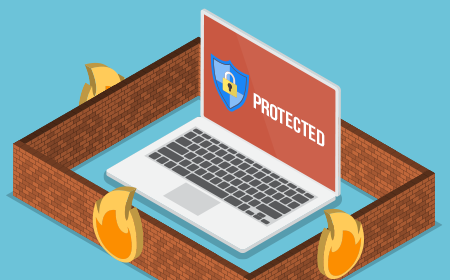
- Turn on your device's built-in firewall to monitor and control incoming and outgoing network traffic.
- Educate Yourself
- Stay informed about common phishing tactics and malware trends to recognise potential threats.
- Be Careful of Unknown or Unexpected Sources
- If you receive emails or messages from unknown or unexpected sources, don't open any attachments or click on any links.
- Avoid Accessing Risky Websites to Ensure Online Safety
- One critical aspect of achieving this security is steering clear of risky websites. These websites, often associated with explicit content, illegal activities, or malware distribution, can expose users to a myriad of potential dangers.





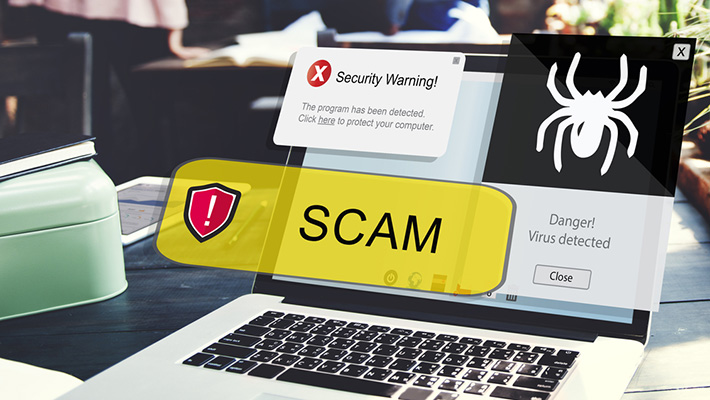
Actions that should be taken when under a malware attack
When we find ourselves in a malware attack, although it may be too late for precautions and prevention, we can still take steps to minimize further losses. Here are some actions that should be taken when facing a malware attack.
- Disconnect from the Internet
- As soon as you suspect a malware attack, disconnect your device from the Internet to prevent further communication between the malware and its source.
- Isolate the Affected Device
- If the malware attack occurs on a network, isolate the affected device from other devices to prevent the malware from spreading.
- Scan and Detect Malware
- Use your installed antivirus or anti-malware software to scan your device and identify the type and extent of the malware.
- Remove Malware
- If your security software can remove the malware, follow its instructions. In some cases, you might need to use specialised malware removal tools.
- Restore from Backup
- If you have recent backups, restore your data from a clean backup to ensure your files are safe and malware-free. Avoid dealing with ransomware; avoid paying the ransom, as there's no guarantee you'll get your data back, and paying only encourages cybercriminals.
- Update and Patch
- Update your operating system, applications, and security software to their latest versions to patch vulnerabilities that could have been exploited by the malware.
- Seek Professional Help
- If the attack is severe or you're unsure how to proceed, consider seeking assistance from a professional cybersecurity expert or your organisation's IT department. You may find the support team for your antivirus software and follow their guidelines.